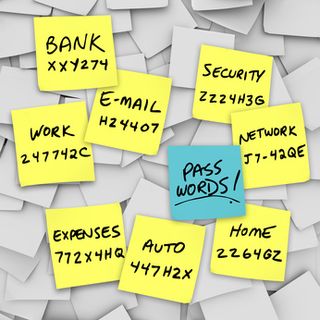
 How many of you have a gazillion passwords that you have stashed in documents or sticky notes all over your computer?
Or maybe you've tried to make things easy on yourself (and easy on anyone who wants to gain access to your accounts) by doing the same password over and over again.
I know, it's not easy. I have tons of logins and passwords to keep track of, and the password sharing site PassPack.com has really made my life a lot simpler. In fact, it's one of my top 5 most used online tools as a virtual assistant.
It's the first site that I log on to every day. In fact--it's the only site that I have to remember password info for...
You set up a free account at PassPack.com (the free account is good for up to 100 passwords, but if you have more passwords than that, the pricing is still incredibly cheap--like under $2/mo).
Create a really strong username and password, and you can even create another level of security called a "packing key". Once you get done setting everything up, this will be the only login info that you'll need to remember. Because...
All your logins in one spot. You then start entering all of your logins and passwords into PassPack. You can use this for personal, business, whatever--any login info that you want to remember, put it in PassPack.
One touch login. You can install a PassPack button on your browser so that you just need to push the button and PassPack will automatically log you in. I love that feature, because it saves time.
You can share passwords with your virtual team. If one of my clients has something for me to do that requires I use his login, he just logs into his PassPack account and shares the login info with me. Then I receive an email from PassPack letting me know that I have a new shared password. It's all maintained in a neat and orderly fashion, and it's secure.
Un-guessable passwords! Another great thing about using PassPack.com is that you're free to make your passwords as complicated as you like. No more using obvious things that anyone can guess--your birthday, your name, your dog's name, sequential numbers (123), etc.
Here are some tips for creating really strong passwords:
- Make it something that no one would guess in a million years--random letters, numbers, punctuation and symbols are great.
- It should be a combination of upper and lower case letters, numbers, punctuation and symbols.
- It should be at least 8 characters long.
- Make each password unique--don't use the same one for more than one account.
- Change your passwords every few months.
Question for you:
How do you keep track of all the passwords you use for working online?




Comments